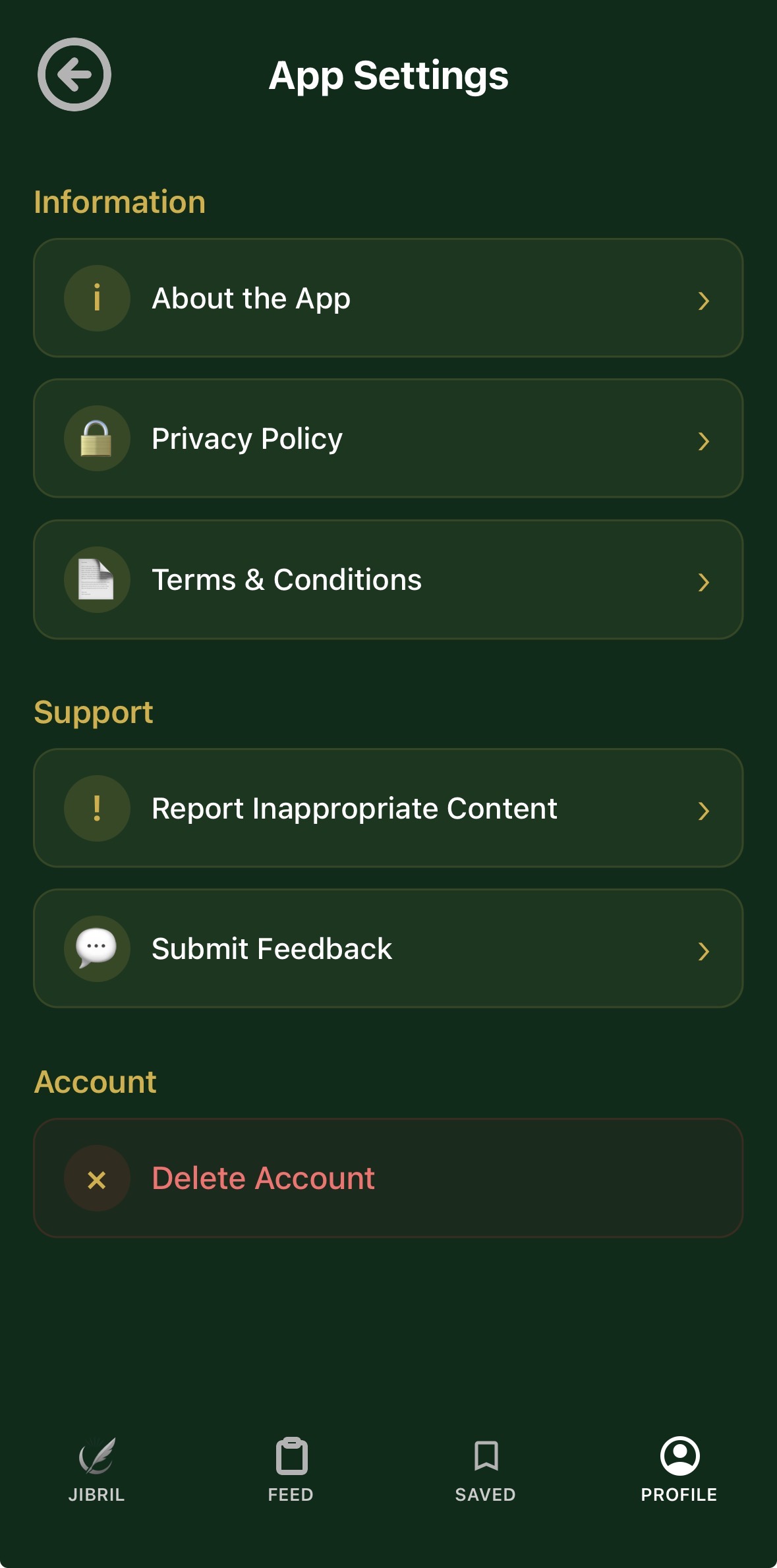
Users can delete their account directly through the app via the Settings screen. The deletion process includes:
Access: Users navigate to App Settings and find a “Delete Account” option.
Security:
- All user data from our database (Supabase)
- Firebase authentication account
- All locally stored data on the device
- Social login connections (Google/Apple)
- User Warning: Before deletion, users are clearly warned that:
For email/password accounts: Users must enter their password to confirm deletion
For social login accounts (Google/Apple): Users receive a confirmation dialogue.
What Gets Deleted:
This action is permanent and cannot be undone.
All their data will be permanently deleted.
They will be signed out from all devices.